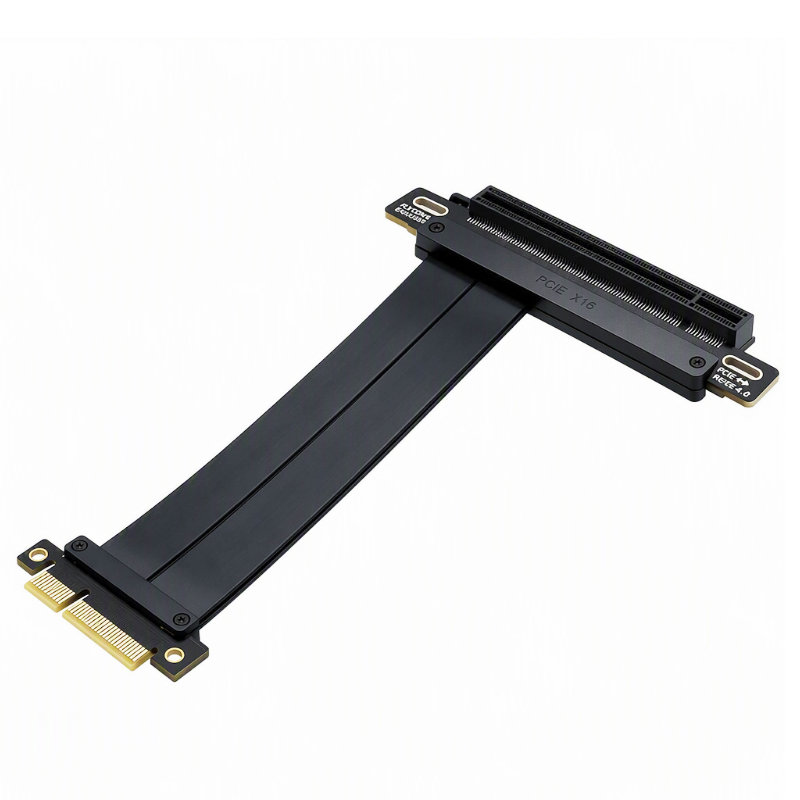
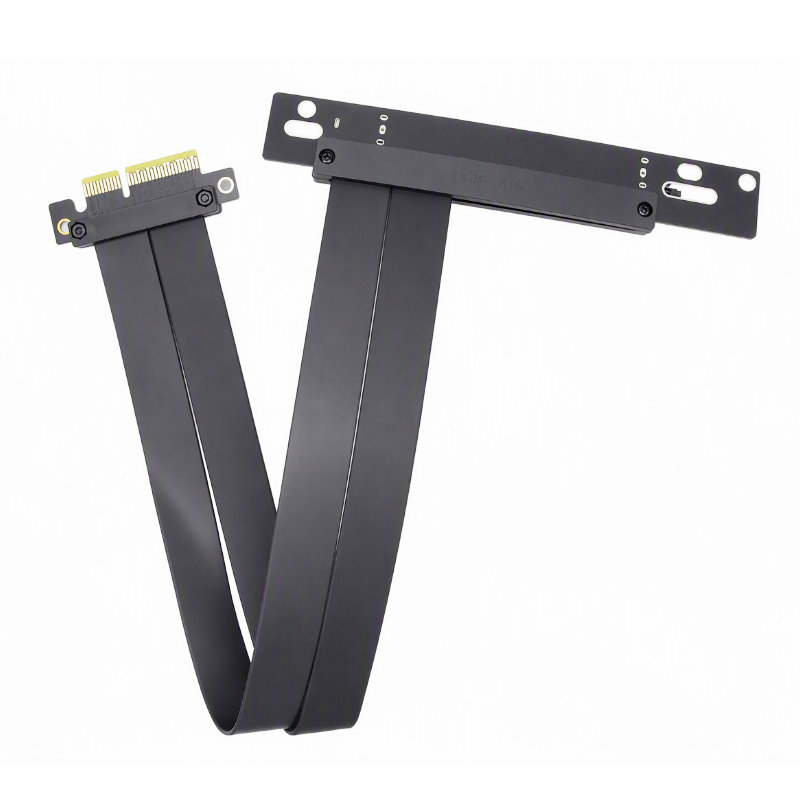
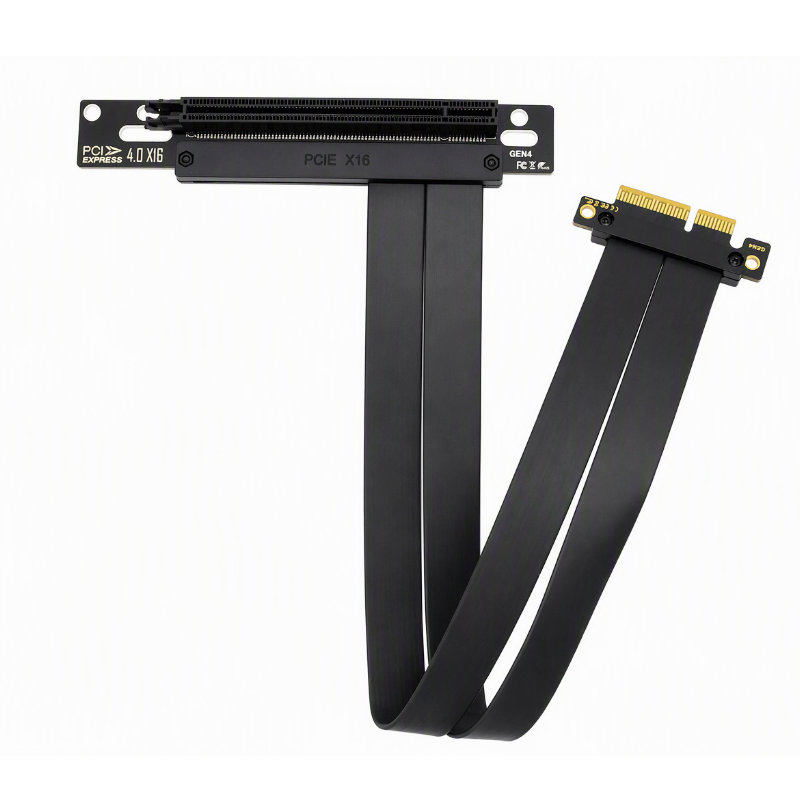
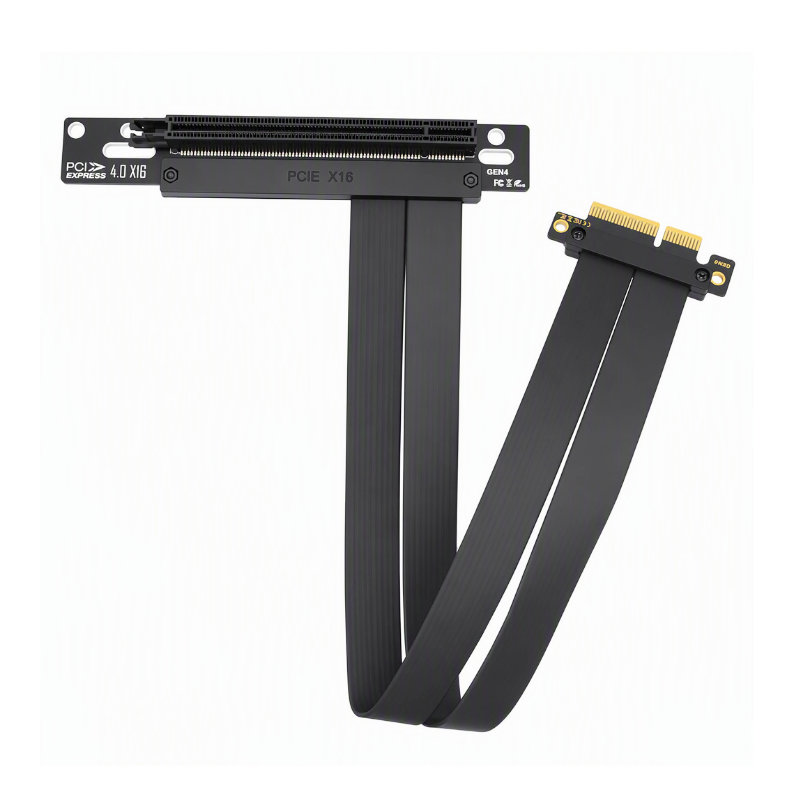
PCIe 4.0 x16 Male to Female 180° GPU Riser Cable
- Part No : CAB-PCIE40-V180
-
Host Connector : PCIe x16 Male
Device Connector : PCIe x16 Female Slot
PCIe Generation : PCIe 4.0
Electrical Lane Width : x16
Number of Contacts : 164 Positions
Contact Pitch : 1.0 mm
Connector Orientation : Straight / 180°
Signaling Rate : Up to 16 GT/s per lane
Theoretical Bandwidth : Up to approximately 31.5 GB/s per direction
Cable Length : To be confirmed
Cable Structure : Segmented Flexible Flat Cable
Retention Latch : Yes
Mounting Holes : Yes
Auxiliary Power Connector : None
Backward Compatibility : PCIe 3.0 / 2.0 / 1.0
Driver Requirement : No Additional Driver Required
Color : Black
Application : GPU Extension and Vertical Graphics Card Mounting - Inquiry now
Detailed description
Product Overview
The PCIe 4.0 x16 GPU riser cable extends a motherboard PCI Express x16 slot to a full-length PCIe x16 female connector. Its flexible segmented cable structure allows the graphics card to be repositioned inside compact computers, workstations, industrial systems and custom chassis.
Both connectors use the full PCIe x16 configuration. When used with compatible PCIe 4.0 motherboards and expansion cards, the cable supports up to 16 GT/s per lane across a maximum x16 link.
Key Features
– PCIe x16 male to PCIe x16 female connection
– PCIe 4.0 x16 electrical lane configuration
– Straight 180-degree connector arrangement
– Full-length female slot with retention latch
– Flexible segmented flat cable construction
– Mounting holes for securing the connector boards
– Backward compatible with earlier PCIe generations
– No separate software driver required
– No auxiliary power connector on the riser cable
– Suitable for graphics card relocation and vertical mounting
Performance and Compatibility
The riser cable is designed for PCIe 4.0 x16 host slots and PCIe x16 graphics cards or expansion cards. It may also operate with earlier PCIe generations through automatic link-speed negotiation.
Actual PCIe generation, lane width and transfer performance depend on the motherboard, processor, BIOS settings, graphics card, cable length and complete system signal quality. PCIe 4.0 operation should be verified using the intended motherboard and graphics card before volume production.
Applications
– Vertical graphics card installation
– Gaming computers
– Compact and small-form-factor computers
– Industrial computers
– GPU workstations
– Graphics testing platforms
– Custom computer chassis
– PCIe expansion card relocation
Installation Notes
Turn off the computer and disconnect the power supply before installation. Insert the male connector completely into the motherboard PCIe x16 slot, secure the female connector board and then install the graphics card.
This riser cable does not replace the graphics card’s auxiliary power connection. Graphics cards requiring 6-pin, 8-pin or 12V-2×6 power must be connected directly to a suitable power supply.
Do not sharply crease, stretch or repeatedly twist the flexible cable. Avoid routing it next to strong electromagnetic interference sources or directly against high-temperature components.